 Better I18N





How do I create my first project?
 Ali Osman Delişmen
A project holds the keys, languages, and settings for one app or site. Creating one takes a minute; the two things worth getting right are the source language and where your key ends up.
Create it #
- Sign in at app.better-i18n.com
- New Project
- Name it — this becomes the project's slug, so keep it short
- Pick the source language: the language your code is written in
- Add the languages you want to translate into
- Create
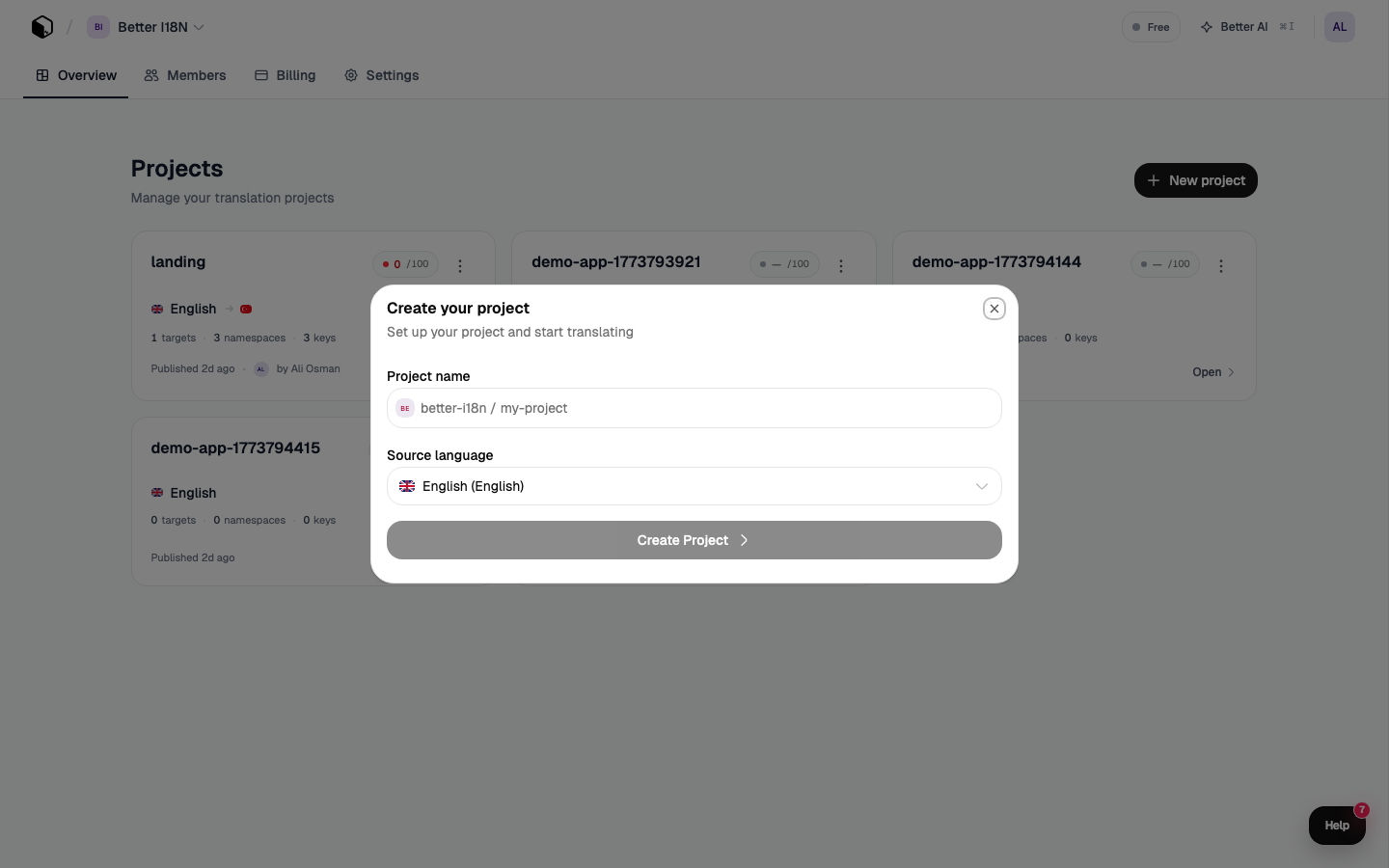
The source language is the one choice to think about. Every translation is produced from it, and every key's original text lives in it. You can change it later in Settings → CDN, but it is the reference point for everything, so start with the language you actually write.
Target languages are cheap to change — add and remove them from the Languages page whenever.
Your project identifier #
Every project is addressed as org/project — acme/dashboard. You will type it into your SDK config, your CLI config, and any API call.
Create an API key #
Settings → API Keys → Create Key.
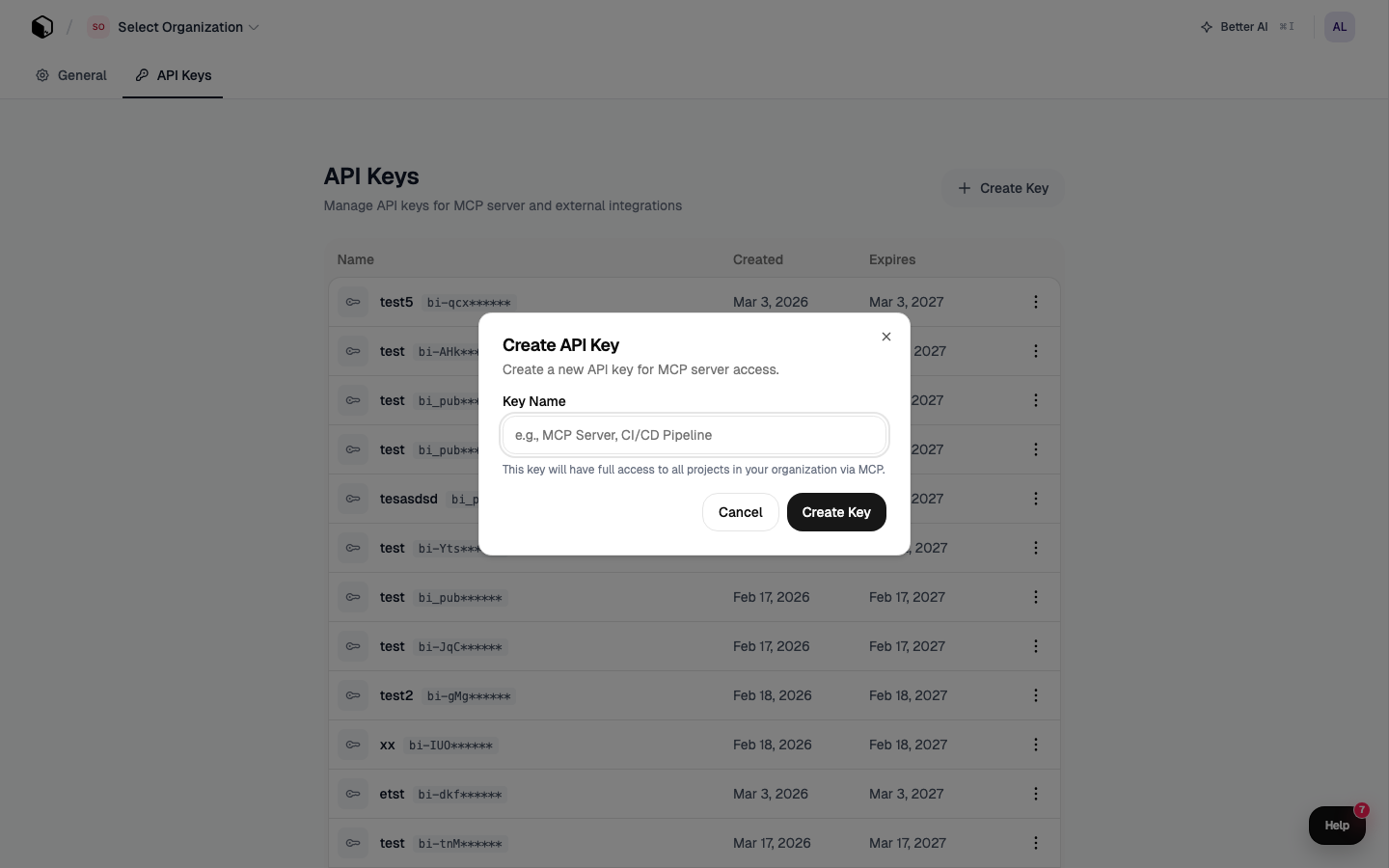
Give it a name you will recognise in six months ("CI", "local dev") and choose an expiry: 3 months, 6 months, 1 year, or never. The list shows how long each key has left and warns you when one is within a month of expiring — a key that dies silently in CI is a bad afternoon.
The key is shown once. Copy it when it appears; you cannot read it again, only replace it.
Which key goes where #
| Read | Write | Safe in a browser | |
|---|---|---|---|
| CDN / delivery key | ✓ | — | ✓ |
| API key | ✓ | ✓ | No |
The CDN key only fetches published translations, which are public data your visitors download anyway. The API key can change your project, so it belongs in a server environment variable or your CI secrets — never in client-side code, and never in a committed file.
If a secret key does end up somewhere public: revoke it on the API Keys page and create another. Revoking is immediate.
Point your app at it #
# .env
BETTER_I18N_PROJECT=acme/dashboard
BETTER_I18N_API_KEY=...// The exact call depends on your framework — see the SDK guide
const i18n = createI18n({
project: "acme/dashboard",
defaultLocale: "en",
});